
What Is Making Tax Digital and Does It Apply to You?

Making Tax Digital (MTD) is the government’s move to make tax more efficient and digital. Gone are the days of one big annual tax return – you’ll now need to submit smaller, digital tax updates throughout the year.
So what does this mean for you as a small business owner? If you’re a sole trader, it changes how, and often, you report your income to HMRC.
If it sounds like a big shift, don’t panic! Once you understand the rules and processes of MTD, you’re going to feel confident doing your taxes. The key thing is to understand it and get ahead. So that’s exactly what we’re covering in this blog, with the help of Xero to Good.
Let’s dive in!
What Is Making Tax Digital?
Right now, most people submit one self-assessment tax return a year. MTD breaks that into smaller steps, so you’re keeping on top of your numbers throughout the year instead of scrambling at the end of the tax year!
Instead of one annual return, MTD for Income Tax involves three parts:
- Keeping digital records of your income and expenses as they happen, using HMRC recognised software
- Sending quarterly updates to HMRC – this is a running summary of your business activity, not a tax return in itself
- Submitting a final declaration by January 31st, which pulls your quarterly updates together and replaces your current self-assessment return
🎥 Want to see it in action? Watch the intro to Making Tax Digital video on our resource centre.
Who Does Making Tax Digital Apply To?
MTD for Income Tax applies if you’re a sole trader, a landlord, or both, and your gross income (aka the total income before expenses) is above a certain threshold.
If you have more than one source of income, for example, a self-employed business and a rental property, your gross income from both is added together to check whether you’re over the threshold. You’ll then send separate quarterly updates for each income source, but only one final declaration covering everything at the end of the year.
As this is a new process, it’s being introduced in phases:
| From | MTD applies if your gross income is over |
|---|---|
| April 2026 | £50,000 |
| April 2027 | £30,000 |
| April 2028 | £20,000 |
With this phased approach, MTD might not apply to you. But as MTD will likely apply to you in the future, there’s no harm in getting ahead and following the processes now to get into the swing of things!
If you’re unsure whether or when MTD applies to you, you can use HMRC’s free online tool.
What You Need to Keep and Submit
Under MTD, your income and expenses need to be recorded digitally, using HMRC-recognised software, rather than on paper.
You must keep digital records for:
- Sales invoices and payments received
- Day-to-day business expenses
- Anything else showing money moving in and out of your business
You must submit:
- A quarterly update every three months, giving a summary of your income and expenses for that period
- One final declaration a year, confirming your total gross income, expenses, and any allowances or adjustments (this replaces your current self-assessment return)
Everything is submitted directly through your chosen software, so there’s no separate manual filing process to remember!
🎥 Want to see it in action? Watch the digital records video on our resource centre.
Examples of HMRC-Recognised Software
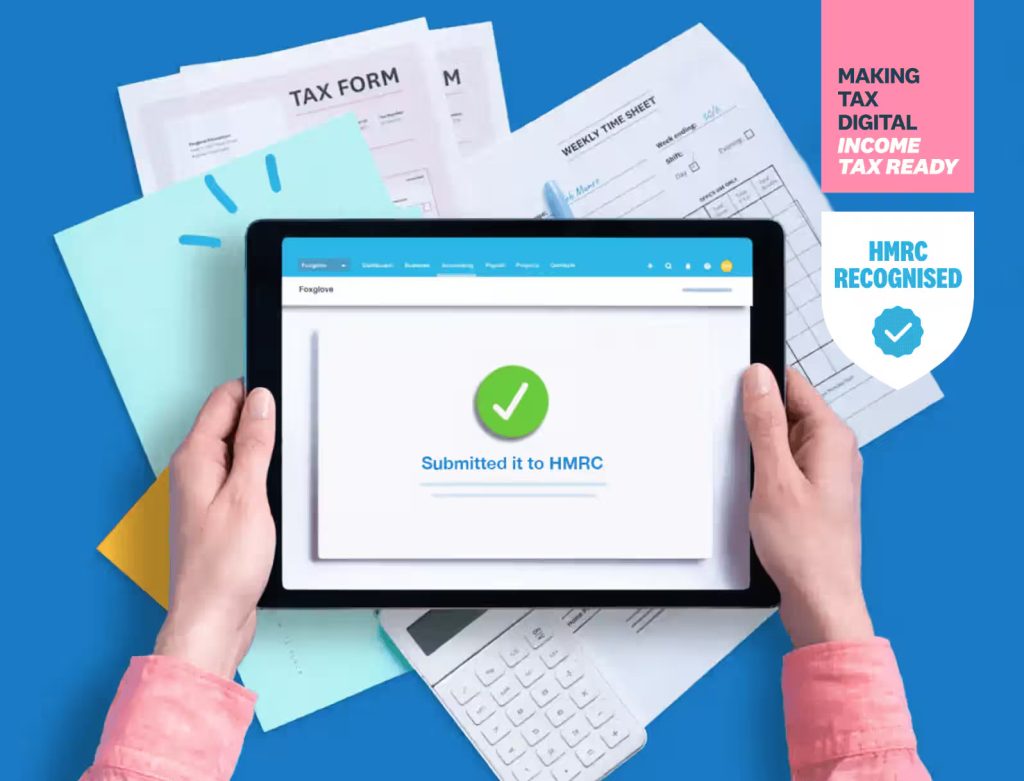
For MTD, you’ll need to start using an HMRC recognised system to keep your records and send your updates. There are many options out there, but here’s a few software options that our community likes:
As with any tech, do your research and ensure you find a compatible software that works best for you.
Keep in mind that good software should let you connect your bank account, capture and store receipts, and keep everything searchable in one place.
3 Steps to Get Started
Although MTD sounds complex, it’s super easy to set up!
Follow these 3 steps to get started:
- Choose your software: Pick HMRC-recognised software that suits your business and set it up before you’re required to use it.
- Sign up for MTD: This isn’t automatic, so you need to actively register with HMRC, with your business details, National Insurance number, and accounting period to hand.
- Start early: Even if you haven’t hit your threshold yet, getting comfortable with digital record-keeping now makes the eventual switch far less stressful.
Once you’re set up, set aside just 15 minutes a week to check transactions, scan receipts, and keep your software up to date. Small, regular check-ins mean fewer surprises when your quarterly update or final declaration is due, and help you feel genuinely on top of your numbers, not just compliant on paper!
🎥 Want to see it in action? Watch the preparing for MTD video on our resource centre.
Bringing It All Together
Making Tax Digital isn’t about doing more work, it’s about spreading the same work across the year instead of facing it all at once. Choose the right software, build a small weekly habit, and start early if you can, and by the time MTD applies to you, it’ll already feel familiar!
If you want to get on top of your numbers, don’t forget to check out our Xero series, where we explore finance foundations, explain financial statements, and share how to budget for your business!
About Xero for Good
We’re very pleased to be partnering with Xero for Good and their Unlock Your Numbers programme, which covers essential financial topics like understanding financial statements, budgeting, and forecasting. It’s designed to help small businesses develop the confidence to manage their finances effectively.